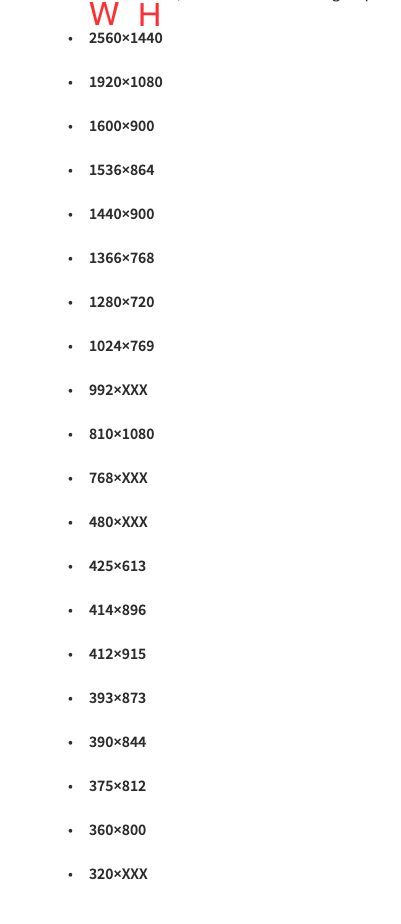
Thường thì:
pc
<992px (991.98px) – tablet
< 576px (575.98px) – mobile
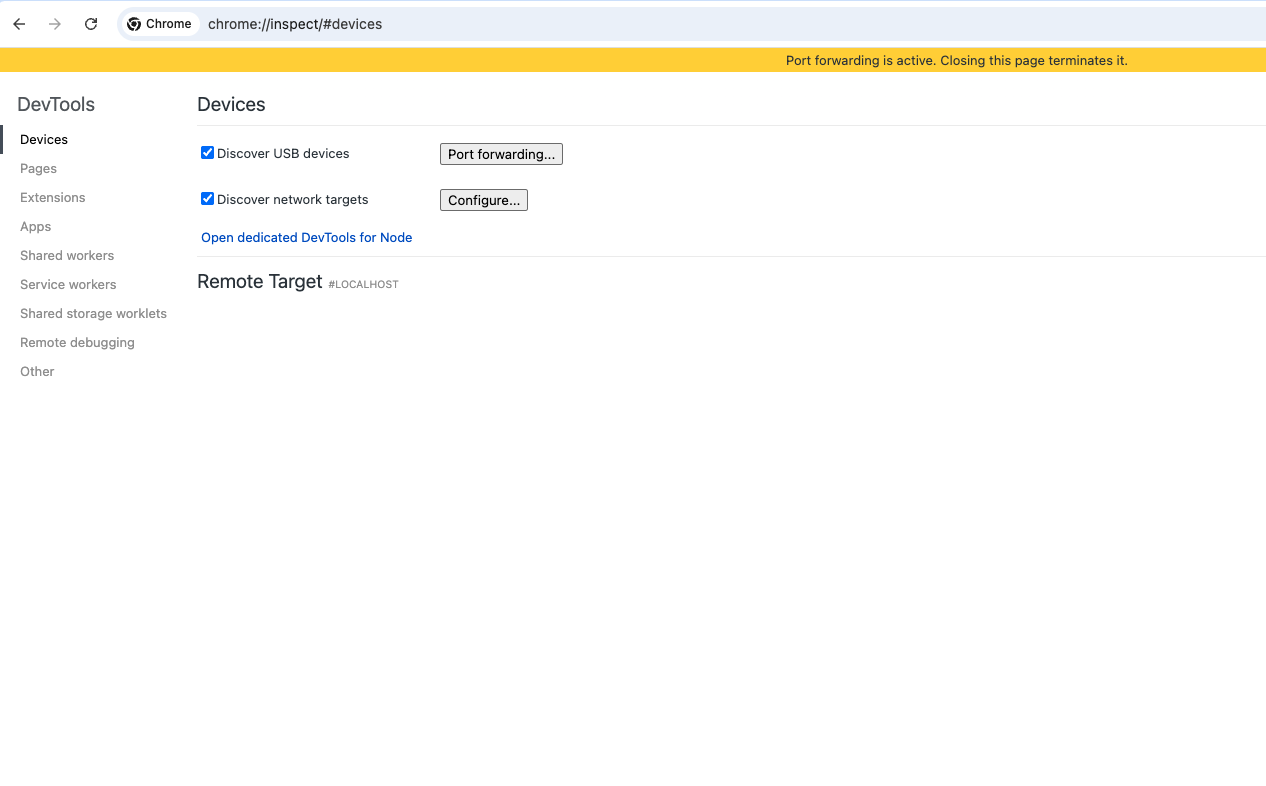
truy cập vào link sau trên browser:
chrome://inspect/#devices
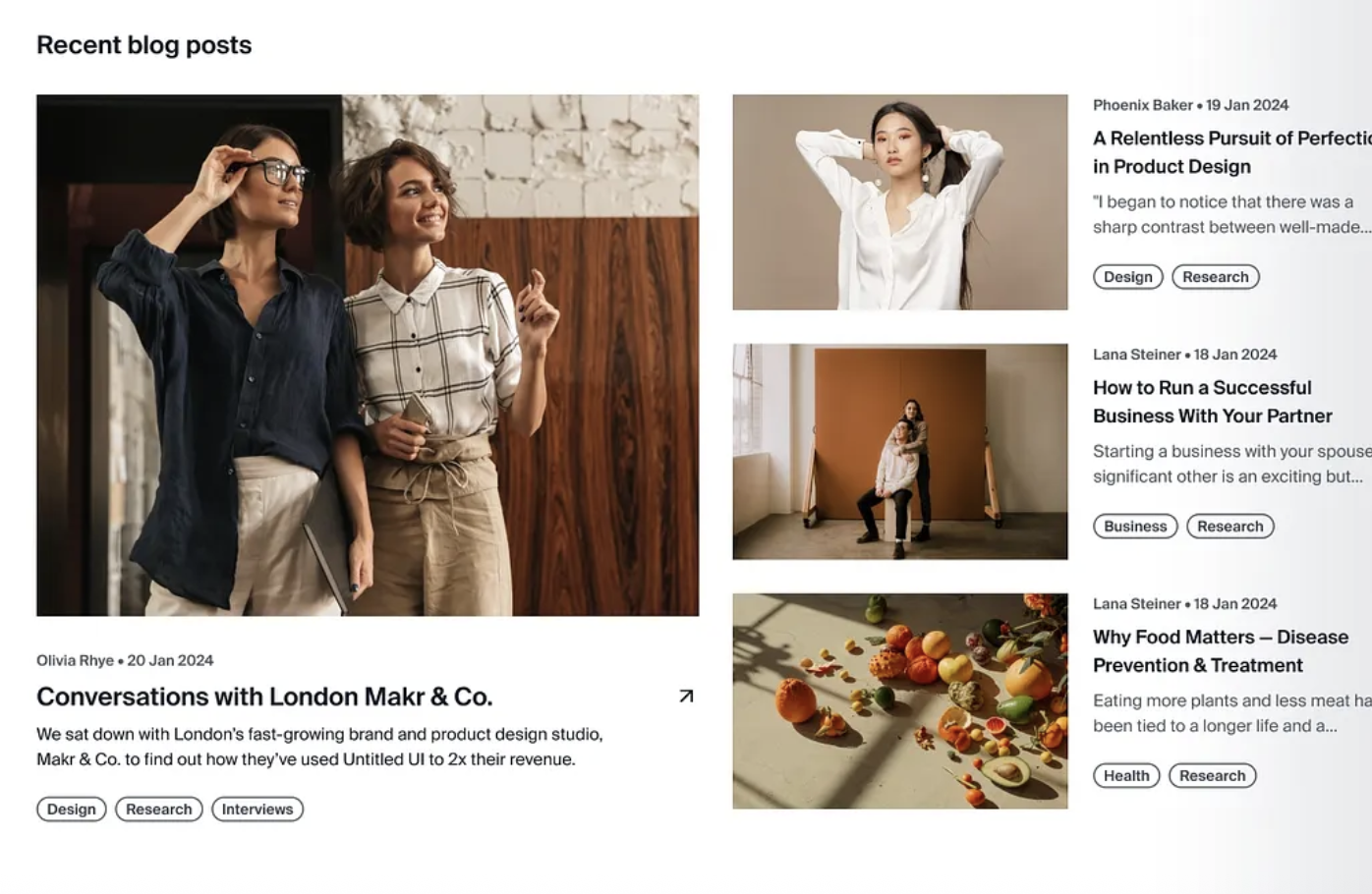
Bài highlight?: 1 bài được pink.
Bài latest?: 4 bài mới nhất.
Bài popular?: là 3 bài được đọc nhiều nhất.
Bài relative blog?:sắp xếp theo số lượng tag matching  với bài post đó,
nếu số lượng bằng nhau thì lấy order theo ngày mới nhất.
Cách search, cách search trong phân trang như thế nào?
Yêu cầu: Đã login github account vào visual studio code Run môi trường local (port bất kỳ)
Command + Shift + P: Nhập Forward port hoặc chọn tab PORTS ở trong phần panel của visual
Click button Forward a port Nhập port của local vào ô Port => Enter => Chờ 3s để Vscode generate ra 1 forwarded address
Đổi Visibility từ Private => Public (private thì sẽ check authen bằng github đã login vào visual) Copy Forwarded Address và test thử
Xem thêm tại: https://code.visualstudio.com/docs/debugtest/port-forwarding
Ngoài ra hãy tìm hiểu thêm:
Dùng Cloudflare Tunnels đi, public internet luôn

Lorem Ipsum is simply dummy text of the printing and typesetting industry. Lorem Ipsum has been the industry’s standard dummy text ever since the 1500s, when an unknown printer took a galley of type and scrambled it to make a type specimen book. It has survived not only five centuries, but also the leap into electronic typesetting, remaining essentially unchanged. It was popularised in the 1960s with the release of Letraset sheets containing Lorem Ipsum passages, and more recently with desktop publishing software like Aldus PageMaker including versions of Lorem Ipsum.